
Shell Shockers on PC: Master Scrambler and Free Ranger
Play Shell Shockers Game for Free
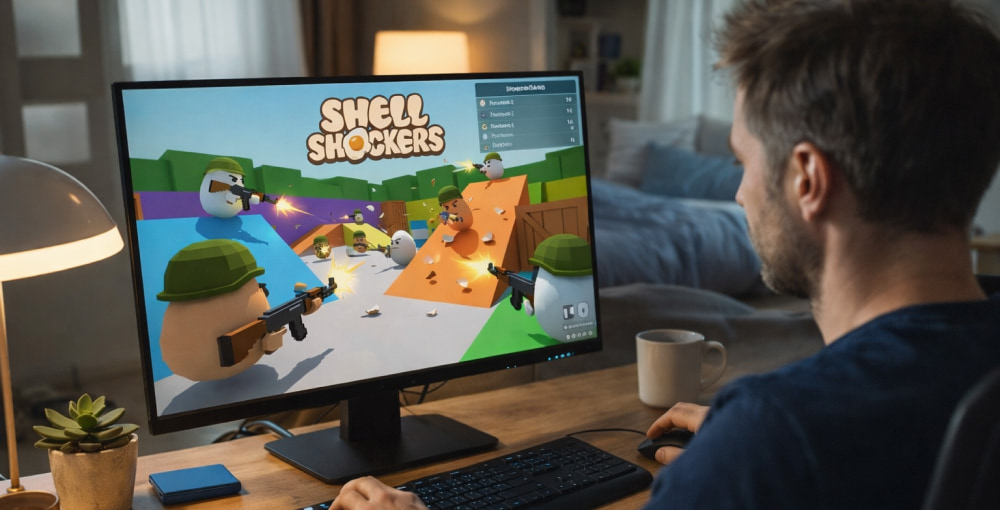
Download NowIf you like fast matches, simple controls, and chaotic laughs, Shell Shockers is the kind of shooter you can jump into in seconds and still keep improving for weeks. On a Windows laptop or desktop, the experience can feel extra snappy thanks to precise mouse aim, stable networking, and better multitasking (voice chat, guides, and streams all at once). For newcomers, Shell Shockers on PC can be a surprisingly competitive routine once you start tuning settings and learning map flow.
What You Need for a Comfortable Session
Most players run the game in a modern browser, so your setup is less about a powerful GPU and more about a clean, stable environment. Keep these basics in mind:
- Browser: A current version of Chrome, Edge, or Firefox.
- Connection: Wired Ethernet or strong Wi-Fi for lower latency.
- Peripherals: A mouse with a reliable sensor and a mousepad helps more than you’d think.
- Background apps: Close heavy downloads, cloud sync spikes, and unnecessary overlays.
“In twitch shooters, consistency beats raw power—stable FPS and stable ping turn average aim into dependable aim.”
How to Play in Your Browser (The Usual Way)
The fastest route is simply launching the official web version and signing in. If you experience stutters, try disabling power-saving mode, switching to a different browser, and lowering any high-resolution scaling in Windows display settings.
When friends ask about Shell Shockers download for PC, it often helps to explain that the browser option is typically the simplest and most widely supported approach.
Quick Performance Checklist
- Update your browser to the newest version.
- Disable unused extensions (especially ad blockers that break page scripts).
- Turn off “Efficiency mode” for the browser if it throttles performance.
- Set Windows Power Mode to “Best performance” while playing.
- Restart your router if ping suddenly becomes unstable.
Controls and Sensitivity Tips
Shell Shockers rewards quick crosshair placement, so getting your sensitivity right matters more than fancy graphics. Start with a comfortable mouse DPI (many players prefer a middle range) and then fine-tune in-game sensitivity until you can track targets without overcorrecting.
- Lower sensitivity improves accuracy at medium range.
- Higher sensitivity helps with fast turns in close fights.
- Consistency matters—avoid changing settings every match.
If you’re comparing options like download Shell Shockers for PC, prioritize whatever method keeps your controls responsive and your frame pacing stable.
Graphics, Display, and Audio Tweaks That Actually Help
Even in lightweight games, small adjustments can make aiming feel cleaner:
- Resolution: Use native resolution if performance is steady; otherwise drop one step down.
- Refresh rate: Ensure Windows is set to your monitor’s highest refresh rate.
- Mouse acceleration: Disable enhanced pointer precision for more predictable aim.
- Audio: Keep effects clear so you notice firefights and movement cues.
Players searching for Shell Shockers for PC download are often really chasing smoother gameplay, so it’s worth optimizing the system first.
Safe Download Habits and Where People Go Wrong
Because the game is well known, unofficial pages sometimes imitate it. If you ever do decide to install anything related to the game, be careful with look-alike sites, suspicious “launchers,” and popups promising cheats or exclusive skins.
Anyone looking for Shell Shockers download for free for PC should stick to well-known sources and avoid executables that don’t clearly explain what they are.
Troubleshooting Common Problems
| Issue | Likely Cause | Fix |
|---|---|---|
| Lag spikes | Wi-Fi instability or background uploads | Use Ethernet, pause sync apps, restart router |
| Low FPS | Browser throttling or heavy tabs | Close extra tabs, disable extensions, switch browsers |
| Input feels “floaty” | Mouse acceleration or inconsistent frame pacing | Disable pointer acceleration, stabilize FPS, lower resolution |
| Can’t load match | Cache issues or script blocking | Clear site data, allow scripts, try incognito mode |
Getting Better: Simple Habits That Pay Off
Shell Shockers looks goofy, but the skill curve is real. A few small routines can lift your win rate quickly:
- Play angles: Peek from cover instead of standing in open lanes.
- Pre-aim corners: Keep your crosshair where enemies will appear, not where they were.
- Short sessions: Two focused matches beat ten tired matches.
- Review deaths: Ask whether it was positioning, timing, or aim—and fix one thing.
For those who see the phrase Shell Shockers free to download for PC and assume they need extra software, it’s usually better to focus on practice and stability first.
Final Notes for a Clean PC Setup
Before you queue up, consider a quick reset: close heavy apps, ensure your browser is updated, and keep a consistent sensitivity. With a smooth setup, you’ll spend less time fighting stutter and more time winning duels.